GPT Image 2.6
Brand edition · The workflow to create a brand's visuals, from reference to GIF
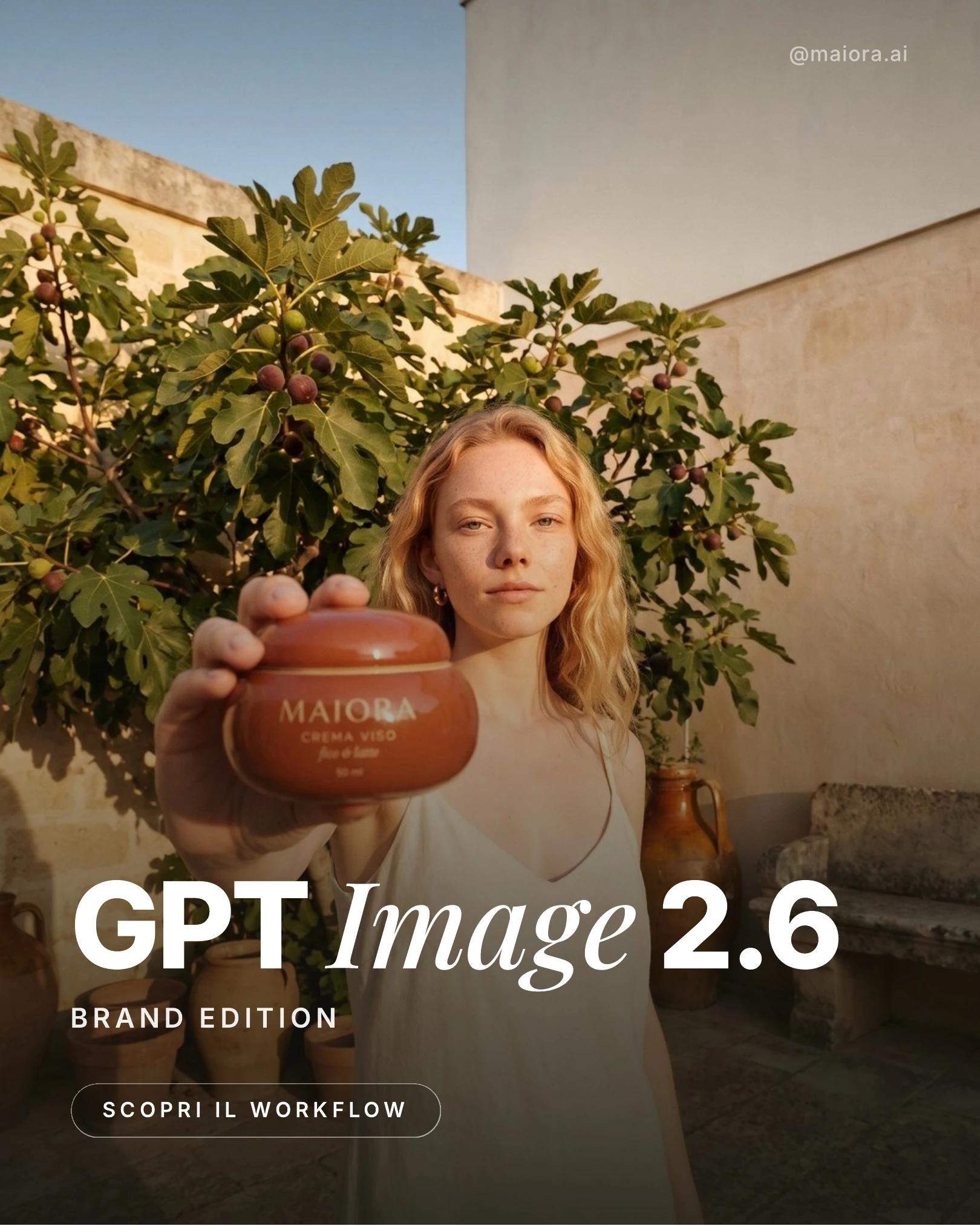
A technical guide in six phases to create a brand's visuals with GPT Image 2.6: scenes, single detail edits, markup edits, one pass ads, posters and animated GIFs. For each phase four steps, the typical mistake and the case with its prompt, plus the product sheet and seven checks before publishing.
This publication is available in Italian.
- Published
- November 15, 2026
- Language
- Italian
Inside the guide
Eight steps, in the right order.
Each chapter solves a precise part of the workflow. The sequence stops direction mistakes from spreading across dozens of images.
Setup and product sheet
The clean reference the whole set starts from, the sheet with shape, glaze and label to repeat in every prompt, and when to use Flare or Sunburst.
The scenes
The same product in different settings, one variable at a time, with the product sheet in brackets in the prompt to keep it identical.
The detail
Changing only the packaging color while keeping figs, plate, light and framing, with the list of what stays the same.
The markup
Circling an object on the image and describing what it should become: how markup editing works and what to protect in the prompt.
The ad in one pass
The banner brief with exact copy in quotes, a defined layout and the prompt that generates image, copy and button together.
The poster
One product and one message on two grids, symmetrical and golden ratio, with both prompts and the choice of typefaces.
The GIF
Three movements, the frame count and duration settings and the prompt for a loop where the label stays readable.
Quality check
Seven checks on shape, glaze, label, copy, light, frames and space before publishing.
The guide is the starting point
The method becomes real when you apply it and get feedback.
Bring your project to a call or join the community to turn these steps into a workflow built around your work.