From moodboard to render
Six conditions, one building · ArchViz edition
Move from a material board to a master render, then vary materials, weather, scene objects and viewpoint: six conditions for showing the same building and helping clients decide.
This publication is available in Italian.
- Published
- September 16, 2026
- Language
- Italian
Inside the guide
Six steps, in the right order.
Each chapter solves a precise part of the workflow. The sequence stops direction mistakes from spreading across dozens of images.
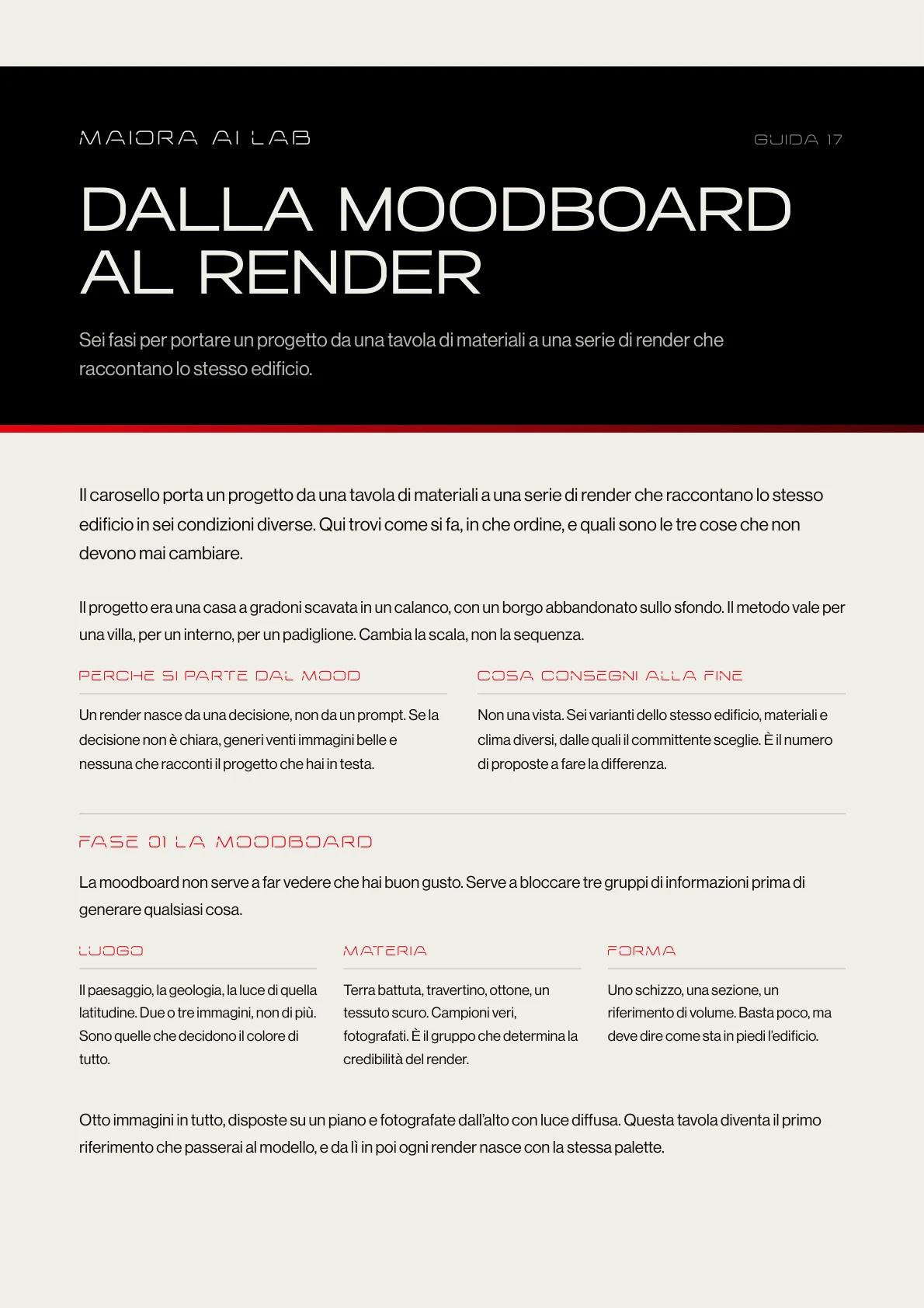
The moodboard
Three groups and eight images: the board the whole project starts from.
The master render
The only prompt written in full, in three fixed blocks: subject and volume, place and time, camera and lens.
Materials
Rammed earth, brass, lava stone: the same house changes identity, one line at a time.
Weather and time
Storm, snow, interior lights on: weather and time variants, always one line at a time.
Props
Props are generated on a neutral backdrop first, then brought into the render.
Perspective
New views start from the finished image: only viewpoint and focal length change.
The guide is the starting point
The method becomes real when you apply it and get feedback.
Bring your project to a call or join the community to turn these steps into a workflow built around your work.