How to use Claude - Brand Edition
Brand edition · From moodboard to a complete brand
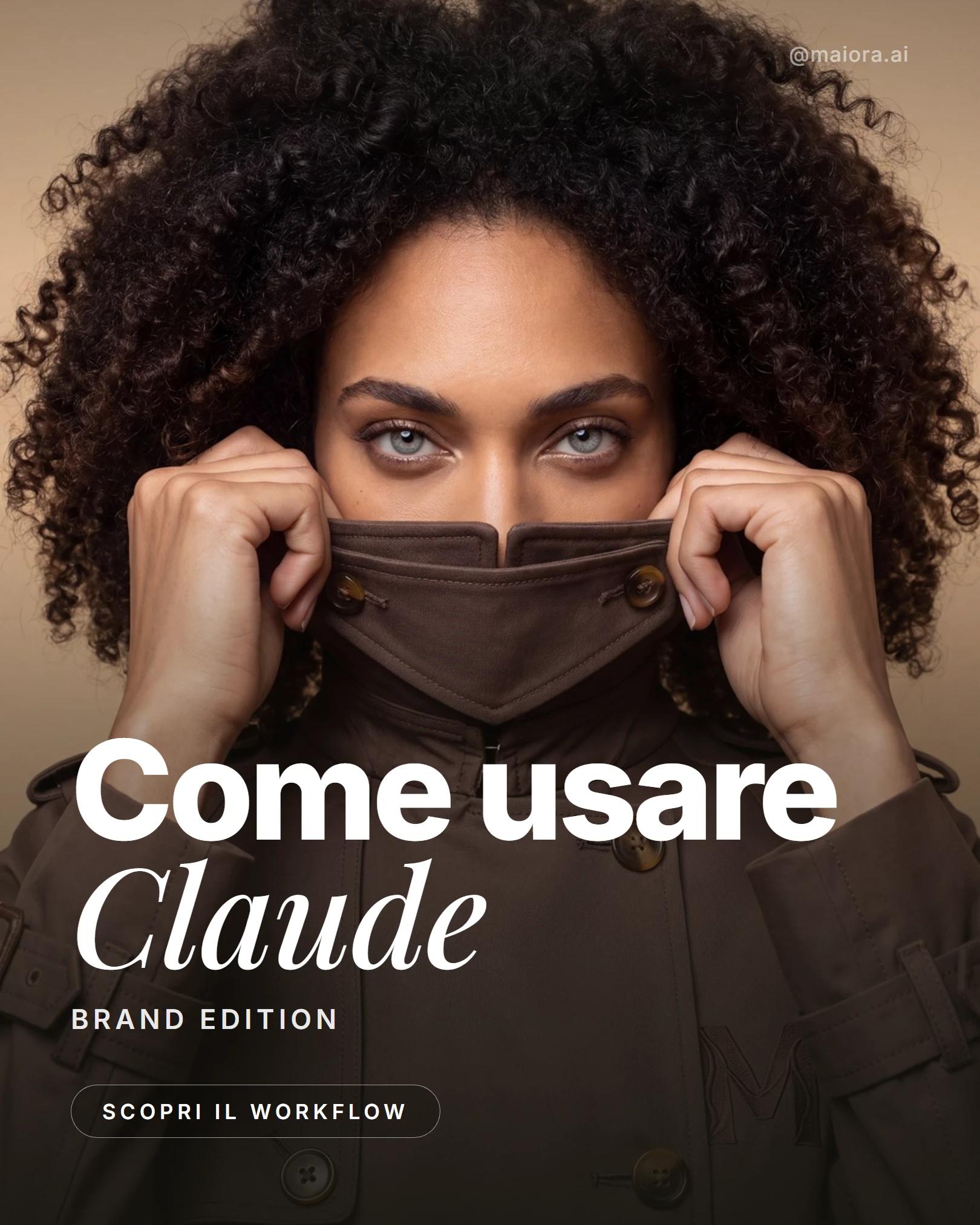
A five-step workflow for turning a moodboard into the full brand of a trench coat label with Claude and Claude Design: design system, product photos in series, e-commerce images and promotional graphics, while keeping palette, light and hierarchy consistent.
This publication is available in Italian.
- Published
- October 08, 2026
- Language
- Italian
Inside the guide
Six steps, in the right order.
Each chapter solves a precise part of the workflow. The sequence stops direction mistakes from spreading across dozens of images.
The method
One moodboard, a whole brand: everything starts from the references on a single board.
The moodboard
Arcades, rain, fabric, tailoring: references first, then the brand.
The design system
Claude Design reads the board and turns it into shared rules in a single document.
Photos in series
One master packshot and every colourway, with the same light, frame and backdrop.
E-commerce
Portrait, on-body, macro: the photos that answer the customer's questions before they ask.
Promo graphics
Banners, sales and launch key visuals: one idea, adapted to every format.
The guide is the starting point
The method becomes real when you apply it and get feedback.
Bring your project to a call or join the community to turn these steps into a workflow built around your work.