How to create an AI campaign
Sand edition · From one product photo to seven consistent shots
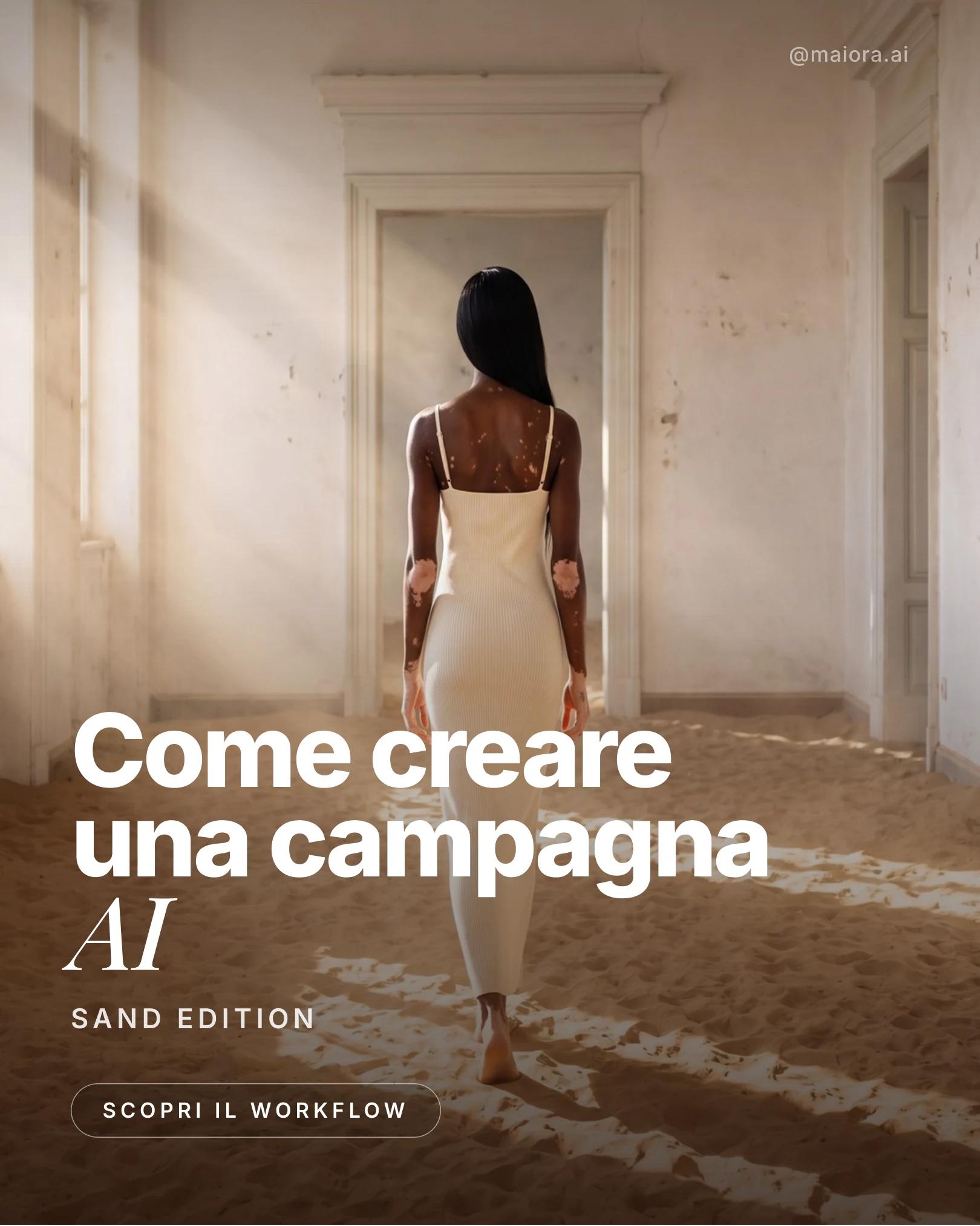
Turn one product photo into a fashion campaign set in a sand-filled palazzo: visual brief, setting, light, movement, seven shot types and final checks to keep every image consistent.
This publication is available in Italian.
- Published
- September 18, 2026
- Language
- Italian
Inside the guide
Five steps, in the right order.
Each chapter solves a precise part of the workflow. The sequence stops direction mistakes from spreading across dozens of images.
Start from the product
Everything starts from one object: the garment shot clean, before location, light and face.
Build the world
A product alone is not a campaign: it needs a place with character where it belongs.
Add movement
A gesture turns a shot into a frame and separates a catalogue from a campaign.
Cover the shots
A campaign's variety lies in the distance between camera and subject, starting from the wide shot.
Keep it consistent
Same person, same light, same day, with the face locked to a single image.
The guide is the starting point
The method becomes real when you apply it and get feedback.
Bring your project to a call or join the community to turn these steps into a workflow built around your work.