How to create an AI reel
From brief to final edit · Fashion edition
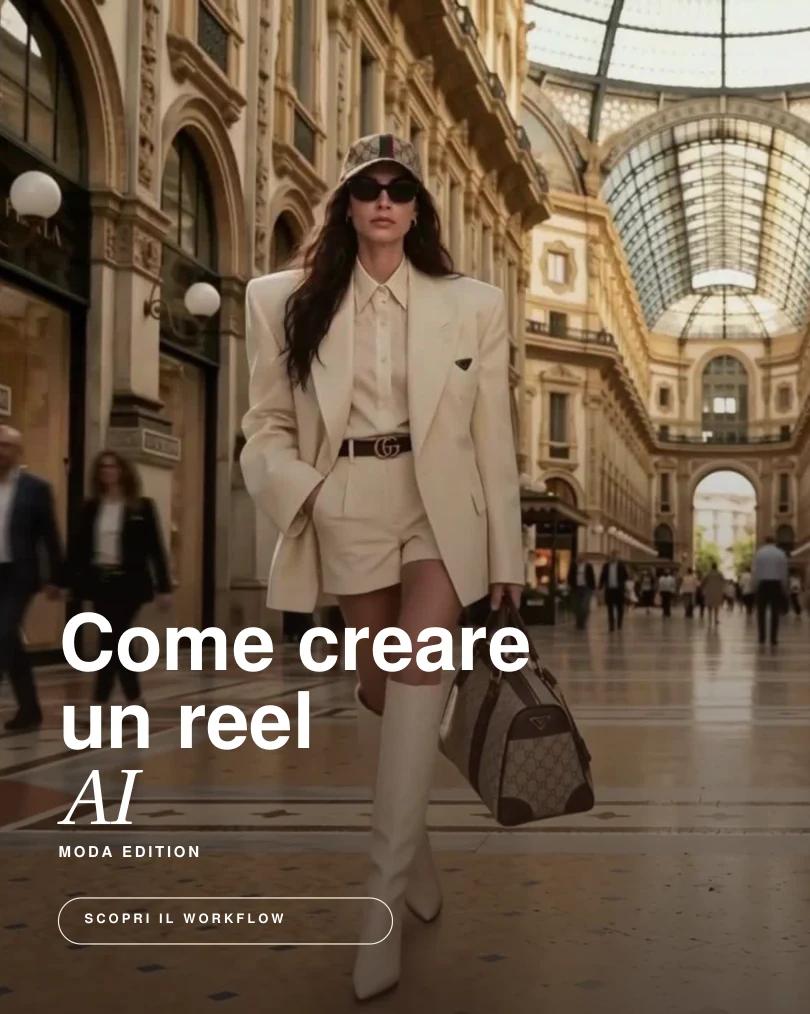
A four-step workflow for building an AI fashion reel: organise references, avatar and outfit, generate consistent scenes with Google Nano Banana Pro, animate them, then finish the edit with voice, text and transitions.
This publication is available in Italian.
- Published
- October 01, 2026
- Language
- Italian
Inside the guide
Four steps, in the right order.
Each chapter solves a precise part of the workflow. The sequence stops direction mistakes from spreading across dozens of images.
Setting up the project
Clear references, a defined avatar and a visual direction before generating anything.
Building the images
With Nano Banana Pro the same identity carries through every scene: setting, action and framing change.
Adding movement
Approve the images first, then animate only what the scene needs and lip-sync where the avatar speaks.
Final edit
Clips, voice, text and transitions following the storyboard: rhythm gives the story its final shape.
The guide is the starting point
The method becomes real when you apply it and get feedback.
Bring your project to a call or join the community to turn these steps into a workflow built around your work.