How to use Claude Design
E-commerce edition
A five-step workflow for turning a moodboard into a consistent visual system, from product shots to promotional graphics.
This publication is available in Italian.
- Published
- August 04, 2026
- Language
- Italian
Inside the guide
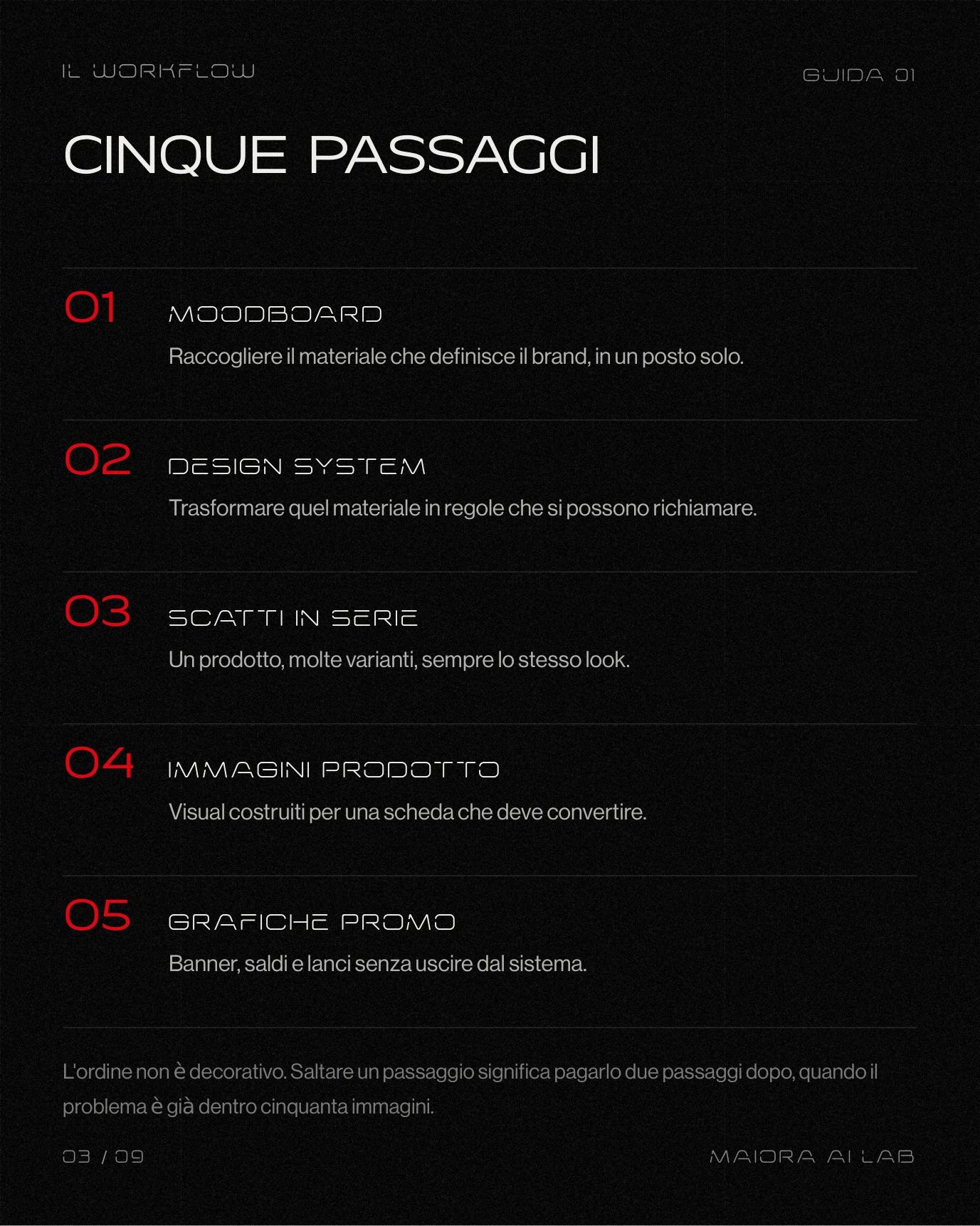
Five steps, in the right order.
Each chapter solves a precise part of the workflow. The sequence stops direction mistakes from spreading across dozens of images.
Moodboard
Collect and select what truly defines the brand before generating any image.
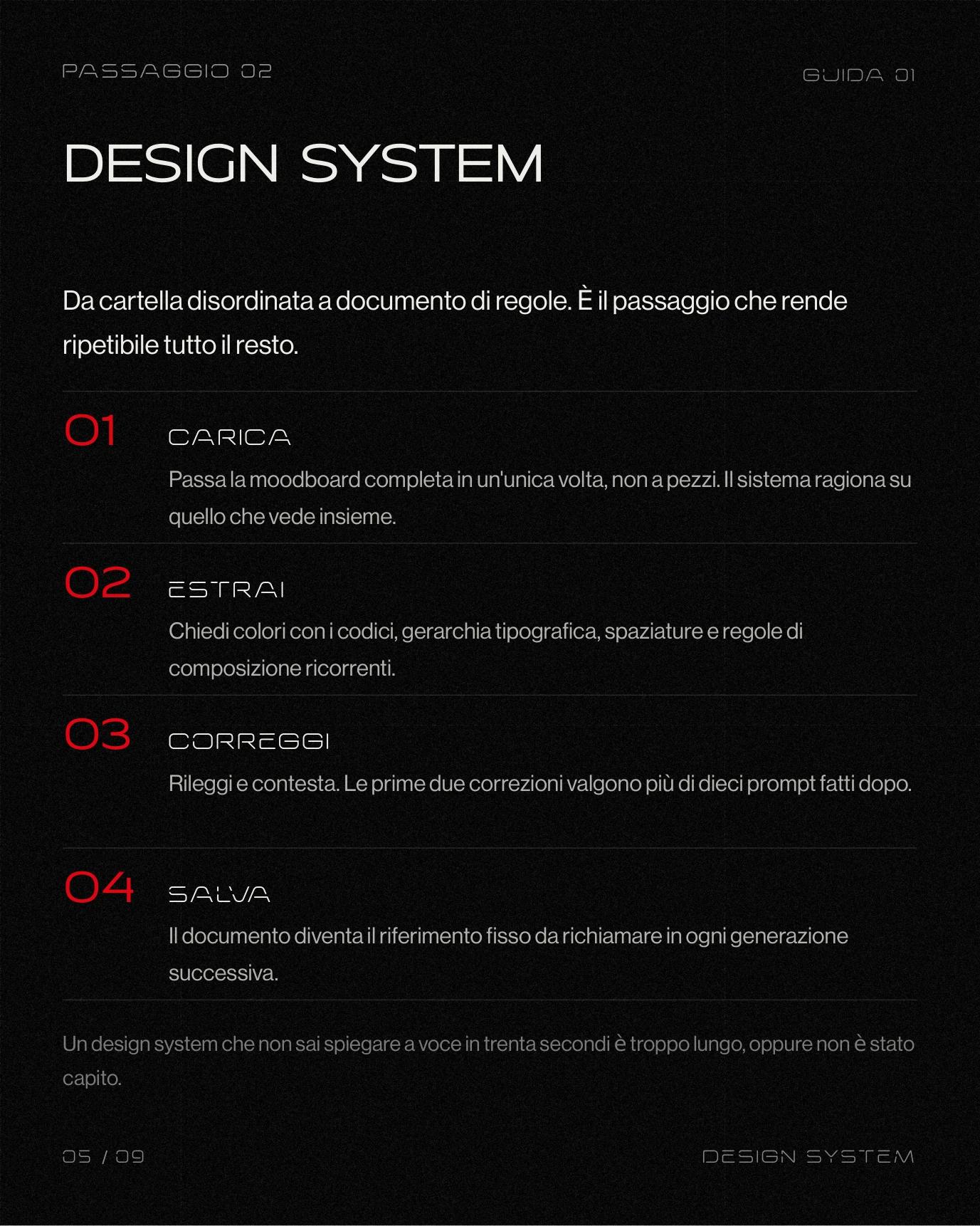
Design system
Turn references into reusable rules for color, typography, spacing and composition.
Consistent series
Lock the visual constants and create variations that belong to the same photo shoot.
Product imagery
Build visuals that remove purchase doubts and support product-page conversion.
Promotional graphics
Adapt the system to feeds, stories, banners and email without losing brand recognition.
The guide is the starting point
The method becomes real when you apply it and get feedback.
Bring your project to a call or join the community to turn these steps into a workflow built around your work.