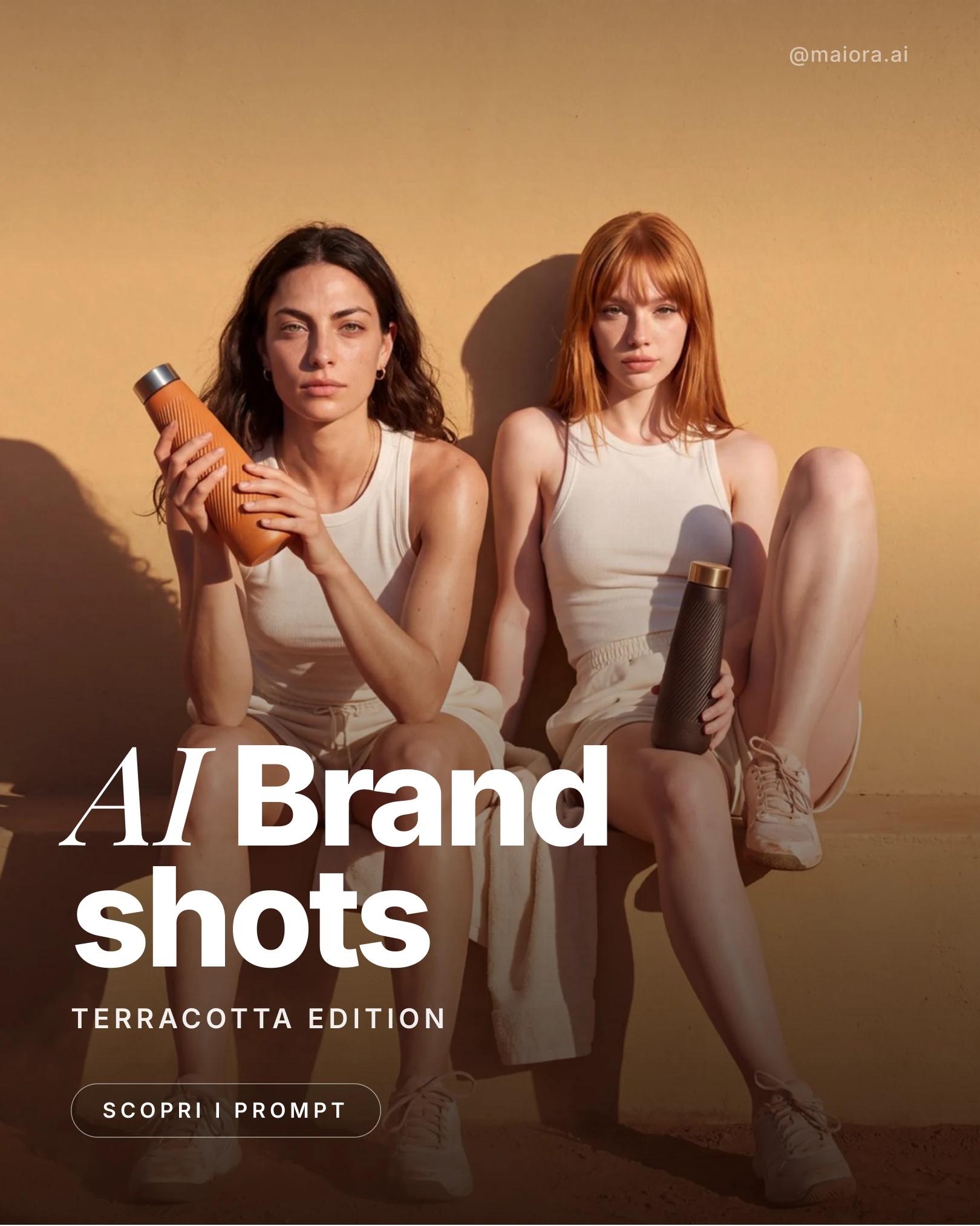
AI Brand shots
Six uses, one product · Terracotta edition
Turn one phone photo of a bottle into a complete visual system: packshots, colour variants, models, key visuals, detail shots and pre-launch content while keeping the product, faces and lighting consistent.
This publication is available in Italian.
- Published
- September 24, 2026
- Language
- Italian
Inside the guide
Seven steps, in the right order.
Each chapter solves a precise part of the workflow. The sequence stops direction mistakes from spreading across dozens of images.
The method
One product photo, a whole system: start from the photo you have.
The packshot
The reference starts from a phone photo on a parquet floor, in daylight.
Colour variants
Six colours from one shot: the paint changes, everything else stays still.
The model
A neutral portrait plus the packshot: two references make the shot with the product.
The key visual
The image that opens the campaign: two models, a wall, low sun.
Hero, detail and lifestyle
Three formats from the same set, with no new shoot.
Pre-launch
Communication starts before the launch: nine posts ready, starting from the prototype.
The guide is the starting point
The method becomes real when you apply it and get feedback.
Bring your project to a call or join the community to turn these steps into a workflow built around your work.